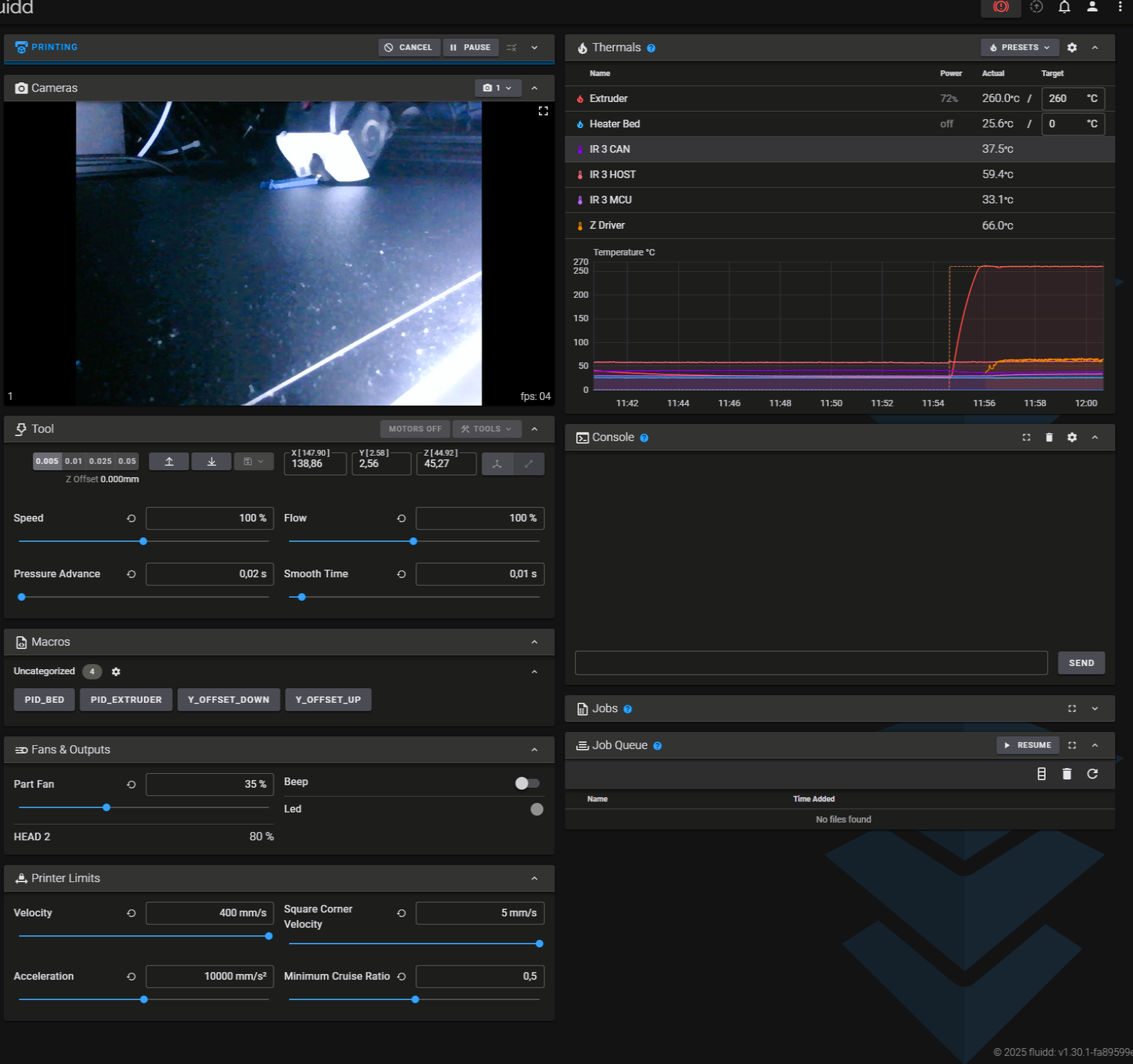
Y-Offset
The Y-Offset sets the distance between the printhead and the belt. If the printhead is too close, increase the Y-Offset. If the printhead is too far away, lower the Y-Offset.
1. Open the printer in a web browser.
Enter the IP address of the printer in a web browser.
2. Open the Macros menu.
In the left menu, go to Macros.
3. Adjust the offset.
Use Y_OFFSET_UP and Y_OFFSET_DOWN to change the distance to the belt. Increasing the Y-Offset moves the printhead further away from the belt; lowering it moves the printhead closer to the belt.