Support
We're here to help. Pick whichever way suits you best.
Support ticket
The fastest way to get help. Create a ticket in the customer portal, monitored closely by our team.
Open the portal →Prefer email? Send us the details and we'll pick it up. The more detail, the faster we help.
[email protected]Phone
For urgent matters, or if you'd rather talk. Business hours, 9 AM to 5 PM CET, Monday to Friday.
+31 (0)85 018 51 98Before you contact us
- Include your account information.
- Describe the problem clearly.
- Add any error messages you saw.
- List the steps to reproduce it, if you can.
Response times vary with the complexity of the issue and the current support volume, but we always aim to reply as quickly as we can.
TeamViewer remote support
If we ask you to install TeamViewer so we can view your screen:
- Download TeamViewer QuickSupport.
- Open the software.
- Send us the ID and password shown.
We can then see exactly what is happening and assist you directly.
Report an error
LutraCAD has a Report error button inside the program. When you press it, the report appears in our Feedback tab.
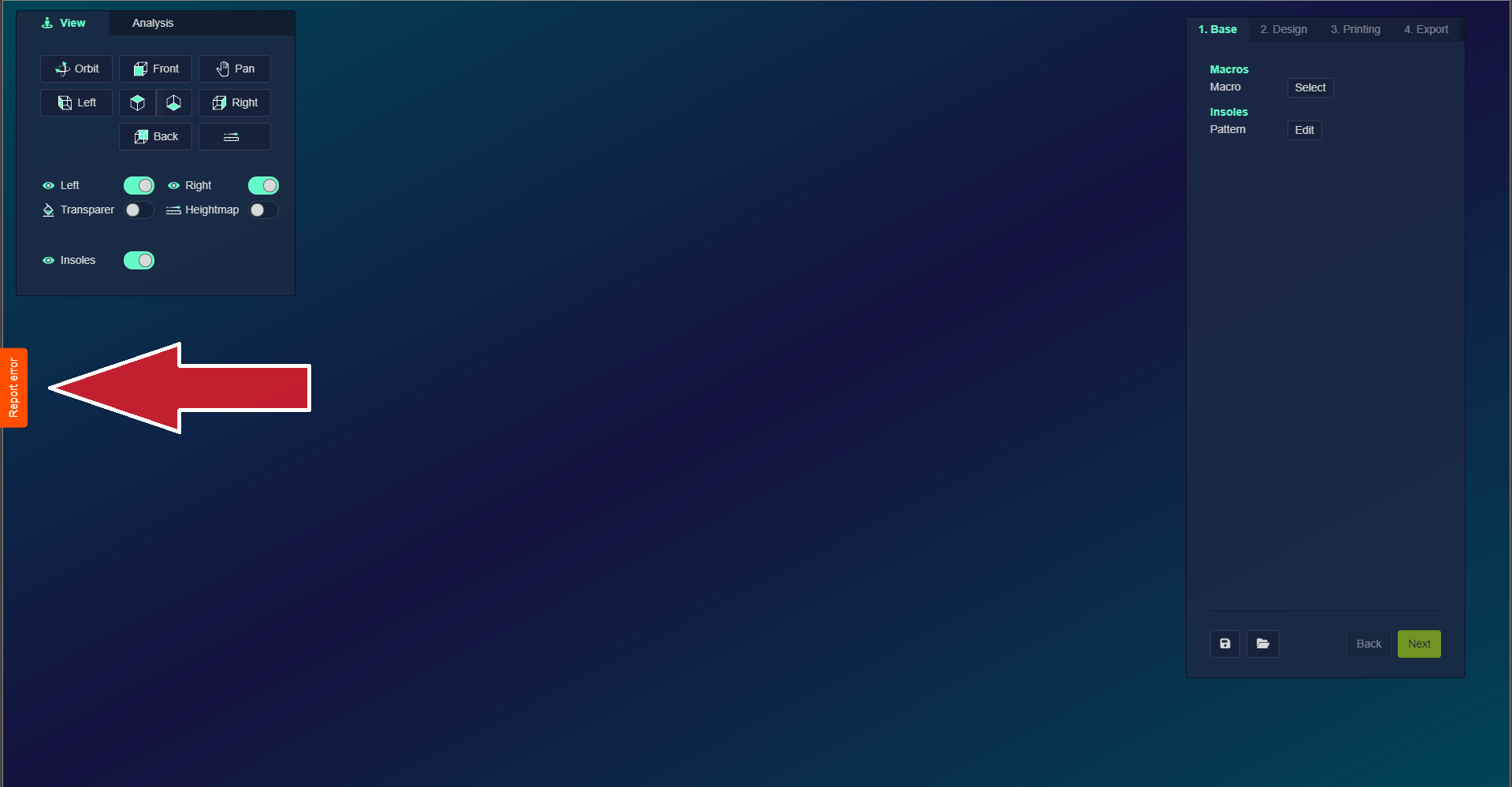
We do know who reported the issue, but no customer data is included in the report.
Unless we ask you to send a report, reports are reviewed quarterly. If it's an emergency, contact support by e-mail or phone so we can help you faster.