EVA
Used for milled EVA blocks, single-sided (EVA) or two-sided (EVA 2 sided).
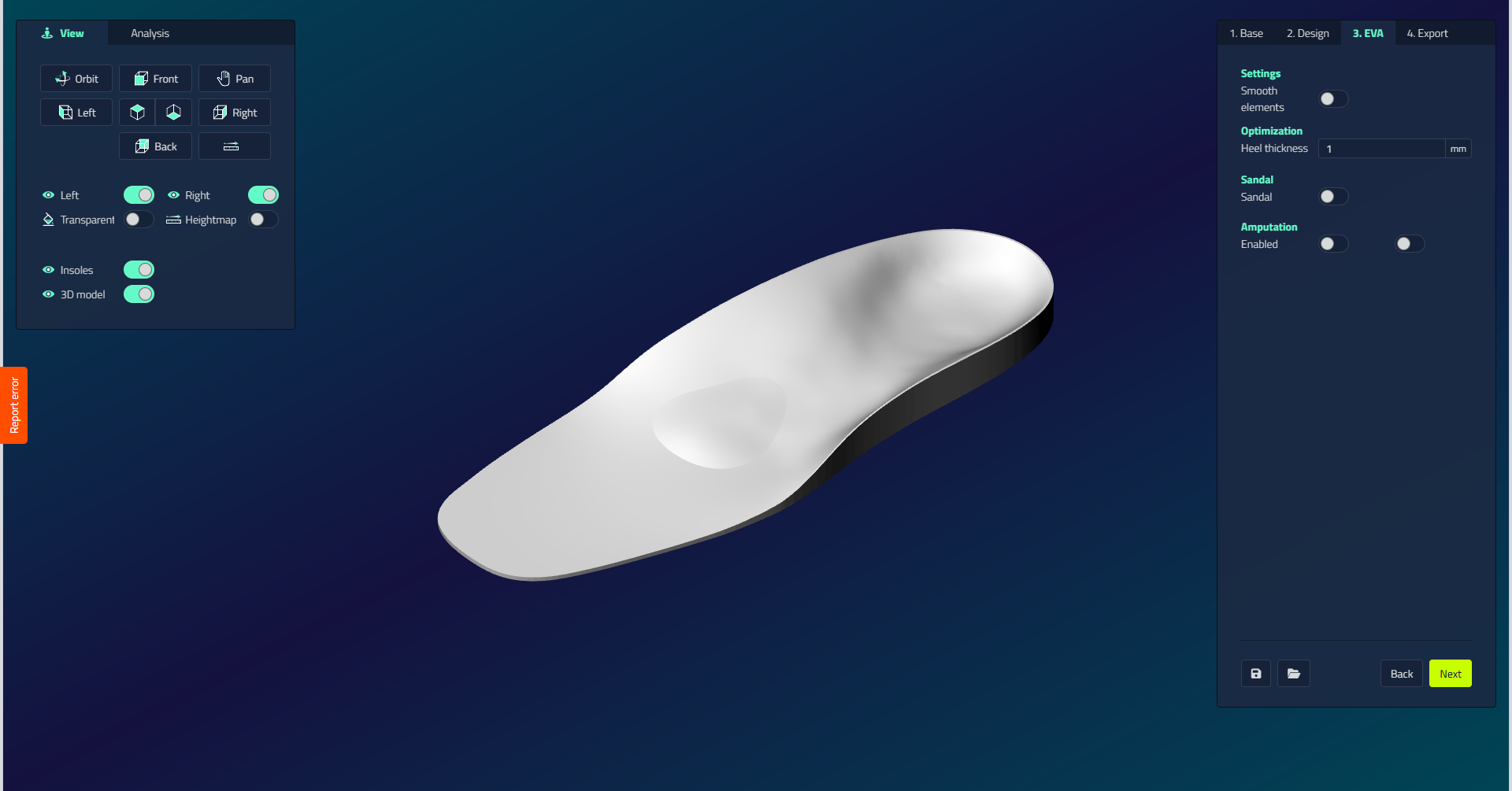
Settings
| Setting | Unit | Function | Visible when |
|---|---|---|---|
| Smooth elements | On/off | Smooths the transitions between elements | Always |
| Heel thickness | mm (min 0, step 0.5) | Sets the heel thickness of the EVA block | Sandal off |
Sandal
Open-toe sandal mode, available on full-length insoles. Turn on Sandal, then set:
| Setting | Unit | Function |
|---|---|---|
| Edge height | mm | Height of the sandal rim |
| Extra length | mm | Extension past the toes |
| Edge thickness | mm | Sets the edge thickness of the insole |
Grinding
For EVA 2 sided, Grinding sets how the underside is connected to the top:
| Option | What it does |
|---|---|
| Straight | Connects in a straight line. |
| Round | Connects with a round shape. |
| Hybrid | Straight at the heel, round at the midfoot. |
| Vertical | Direct downward connection, ignores the plantar design. |
Visibility
Grinding is only shown for the Milling: EVA 2 sided production method.
Amputation
For each side you can draw the region where a toe filler is added for an amputation. Available on full-length insoles.
- Turn on Enabled for the side you want to adjust.
- Set the Height (mm), the Fillet inside and the Fillet outside (mm, min 0, step 0.5).
- Optionally turn on Interface Fillet to round the transition.
- Click Draw to draw the region on the model.