1. Base
Midsoles are always built on a shoe last: design a new last or import an existing 3D scan, then enable the midsole module to get the 3. Midsoles tab. This section covers midsole-specific options; for the rest, see the shoe last documentation.
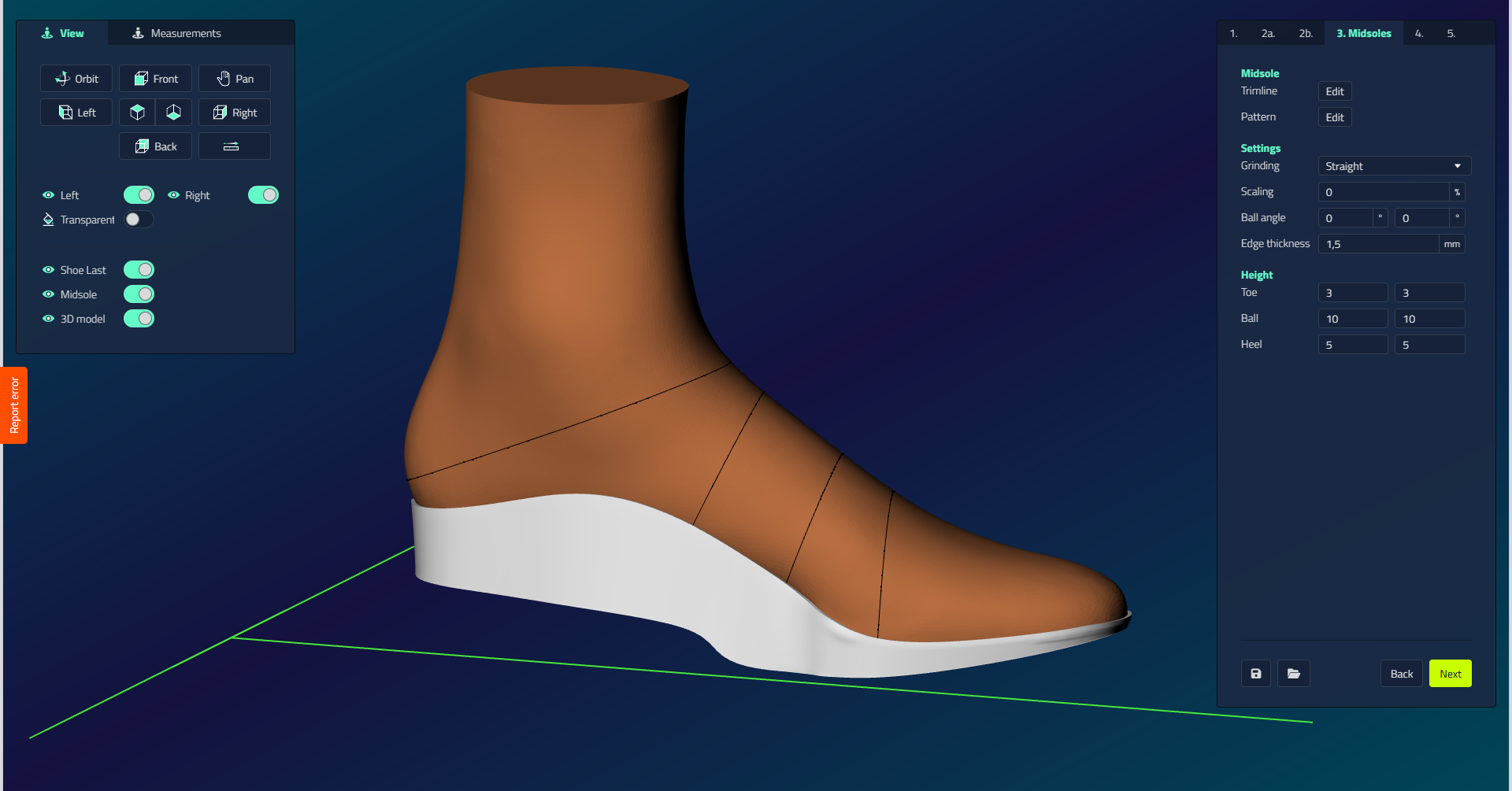
| Control | What it does |
|---|---|
| Align Manual | Adjust the imported shoe last by marking three landmarks: Metatarsal 1, Metatarsal 5, and center of heel. Only visible when importing shoe last designs. |
| Heel Lift | Set the heel lift of the shoe last that the midsole is built on. Only visible when importing shoe last designs. |
| Midsole Design | Enable/disable: activates midsole design and reveals tab 3. Midsoles. |
| Production method | Milling: Midsole: two-sided milling (requires clamping system); 3D Printing: Midsole: enables plantar shape modification. |