Saving & Closing
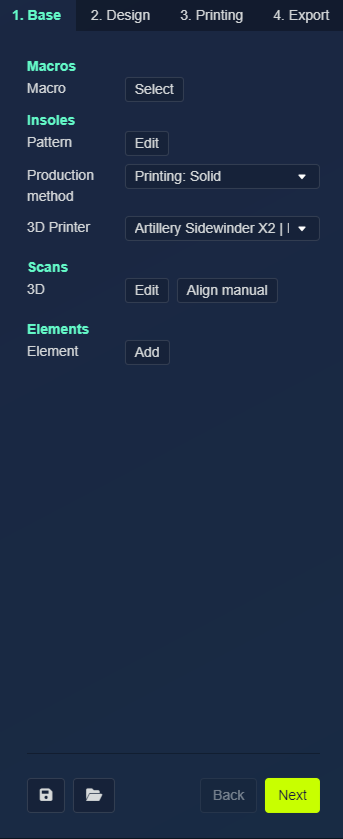
Two buttons let you save your work and leave the design environment. They sit next to the Back and Next buttons that move between the design stages (tabs), on the right side of the screen at the bottom of the menu.
| Control | What it does |
|---|---|
| Save Design | The floppy-disk icon saves the current design. |
| Return to Client Manager | The folder icon returns you to the client in the Manager. |
Unsaved changes
If you open the Manager while you still have unsaved work, a dialog interrupts you with two choices:
| Button | What it does |
|---|---|
| Save changes | Saves the document, then leaves for the Manager |
| Ignore changes | Discards the unsaved changes and leaves for the Manager without saving |