Pressure measurements
A pressure measurement holds plate data for one or both feet. This page covers importing one into a project as a document.
Adding a pressure measurement
Location: Project page → sidebar → Pressure measurement
Import a measurement
Each panel has an Import button:
| Button | Function |
|---|---|
| Import (left panel) | Select a data file for the left foot (.apd or .prs). |
| Import (right panel) | Select a data file for the right foot (.apd or .prs). |
| Save | Save the measurement to the project. |
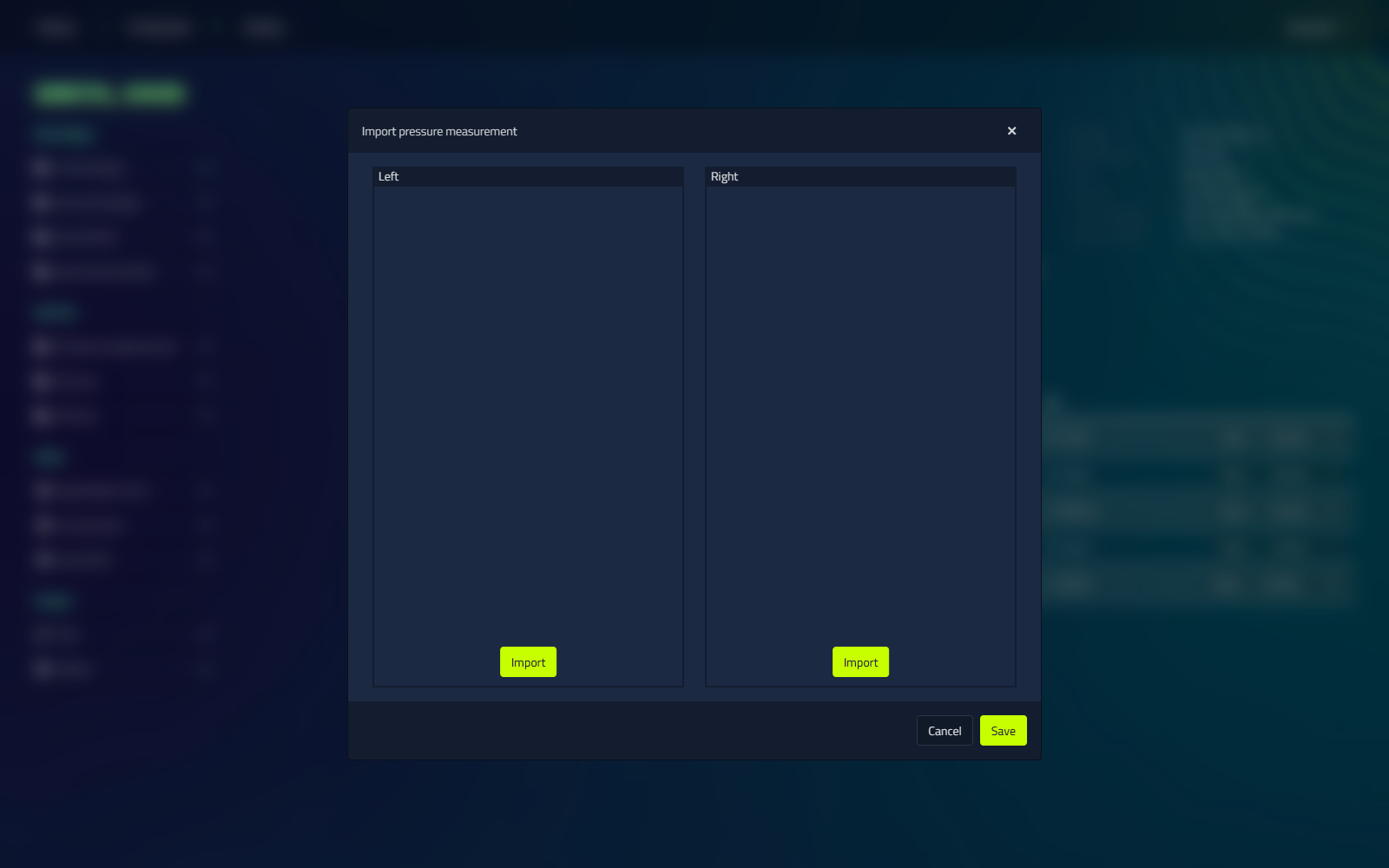
A pressure map preview appears for each foot after importing.
Using the measurement as a reference
Like a 2D scan, an imported pressure measurement can be used as a reference while you design. The pressure map shows where the load is highest, so you can place corrections and pressure relief where the foot needs them.
Analysis
An imported measurement shows a pressure map for each foot, but it cannot be analysed further. The analysis tools (live capture, static and dynamic analysis, and gait metrics) work only with a LutraCAD pressure plate, not on an imported measurement. See pressure plate analysis if you work with a LutraCAD plate.
For hardware setup, see pressure plates.