Account and security
Location: User menu → Settings
Open Settings from the user menu at the top right. Its tabs are Account, Security, Security Activity and Privacy.
Account
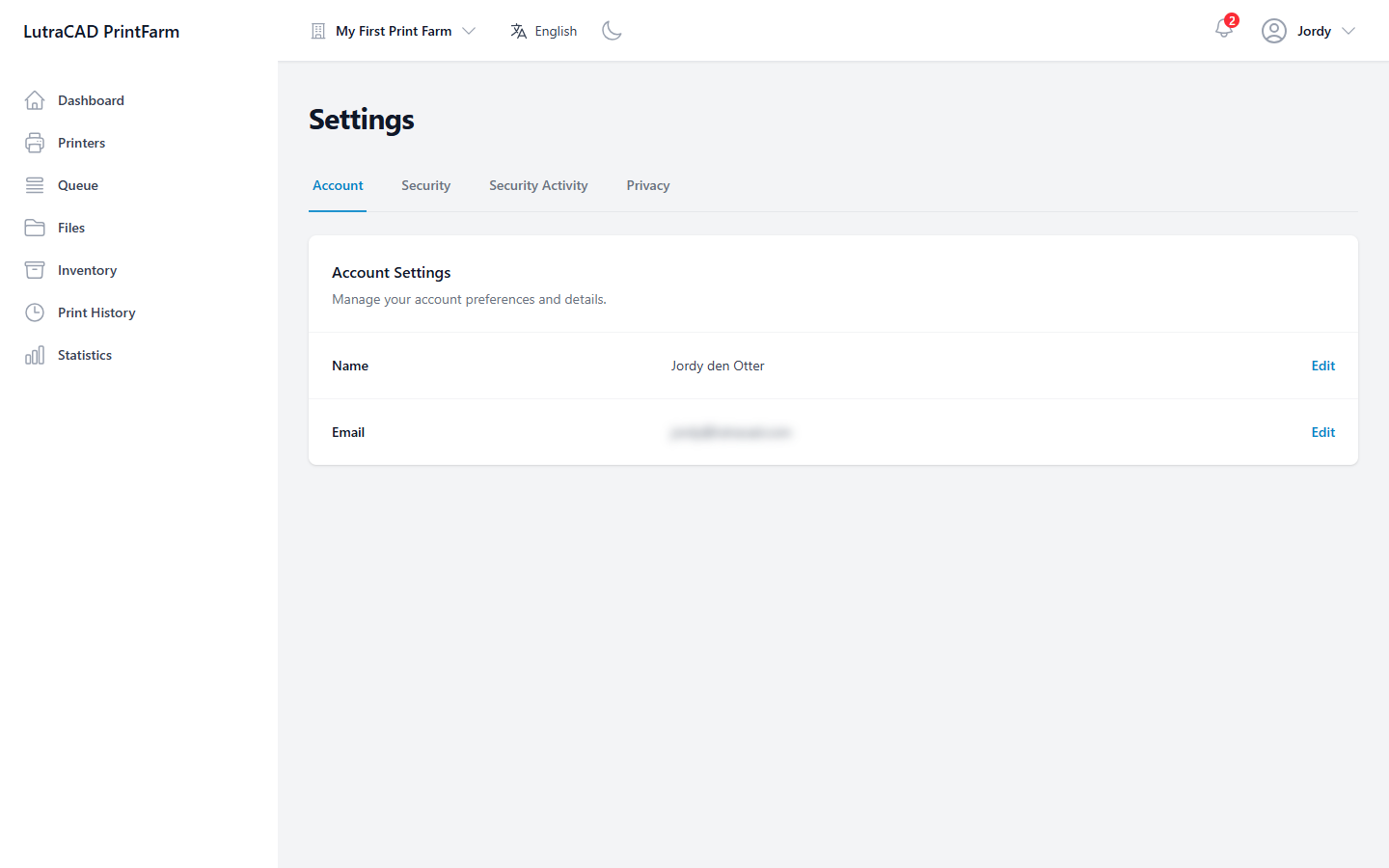
Account Settings shows your Name and Email, each with Edit.
- Edit Name changes your first and last name; you stay signed in.
- Edit email carries a warning: "After changing your email, you will be logged out and must confirm your email address before logging in again." On save you are signed out.
Security
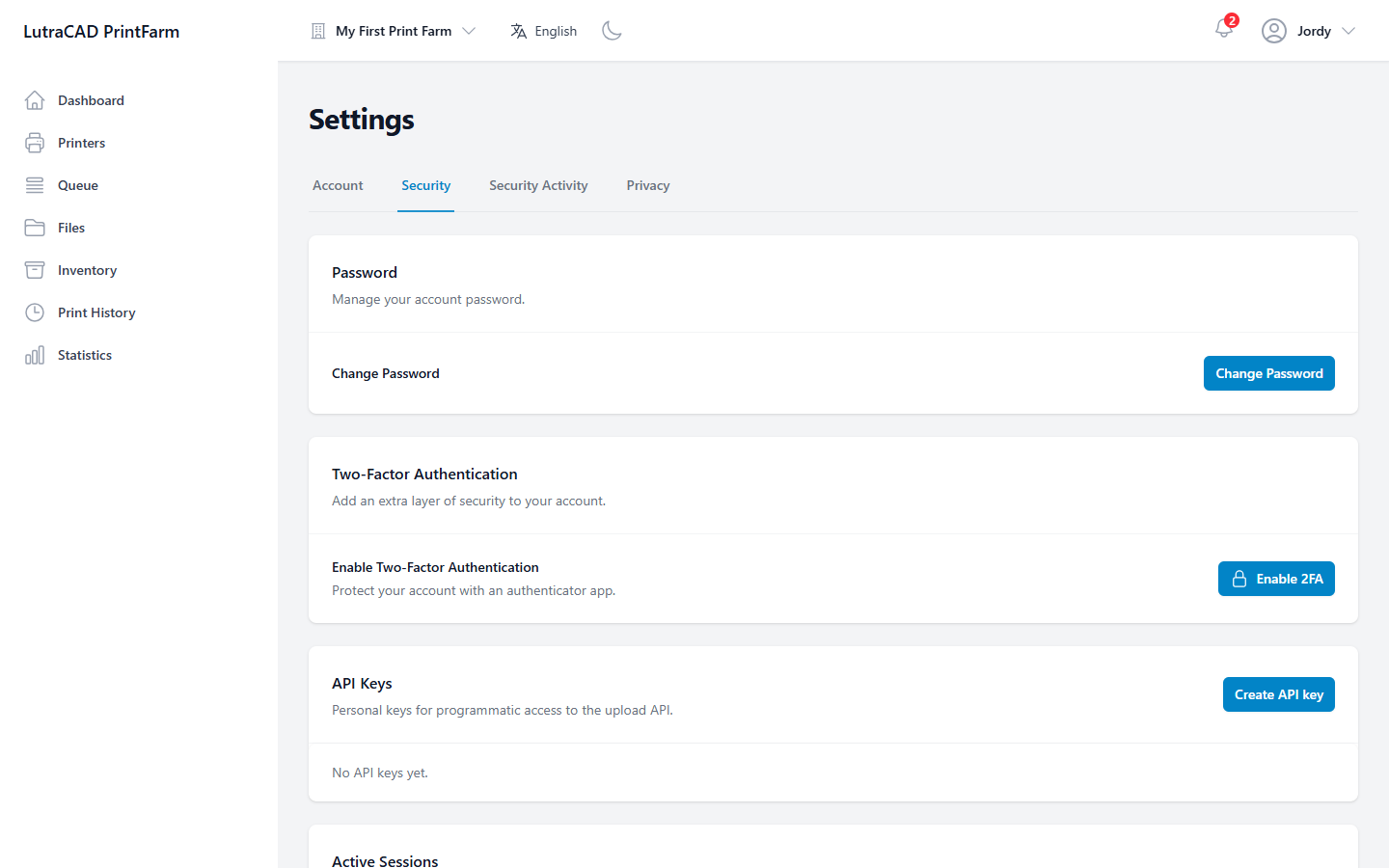
- Password: Change Password asks for your current password and a new one that meets the same 12-character policy.
- Two-Factor Authentication: Enable 2FA walks three steps: install an authenticator app, scan the QR code (or use the shown key), and enter the 6-digit code. Once it is on, Disable 2FA needs a current code and warns "This will make your account less secure. We recommend keeping 2FA enabled."
- API Keys: personal keys for the upload API. Create API key takes a Name and optional Expiry. The key is shown once, with the warning "Copy it now — you won't be able to see this key again." Revoke stops a key immediately.
- Active Sessions: the devices signed in to your account. Revoke ends one; Revoke all other sessions ends every session except the one you are using.
Security Activity
Security Activity is your personal record of sign-ins, password and 2FA changes and similar events. It is filterable and paginated. A notice reads "Logs are retained for 2 years (730 days)."